Turn your git history into polished release notes
Changesmith uses AI to analyze your commits and generate beautiful, user-friendly changelogs that your customers will actually want to read.
See the transformation
From cryptic commit messages to polished release notes
fix: resolve auth bug (#423)
feat: add dark mode
Improve loading performance
chore: update deps
Added
- Dark Mode: Switch to a dark theme for comfortable viewing in low-light conditions.
Changed
- Performance: Faster page loads with optimized asset delivery.
Fixed
- Authentication Issue: Resolved a bug causing unexpected logouts. (#423)
Prefixes like feat: are optional — Changesmith understands plain commit messages too.
Maintenance commits like chore: are filtered out automatically.
See it in action
A clean, focused interface for reviewing and publishing your changelogs
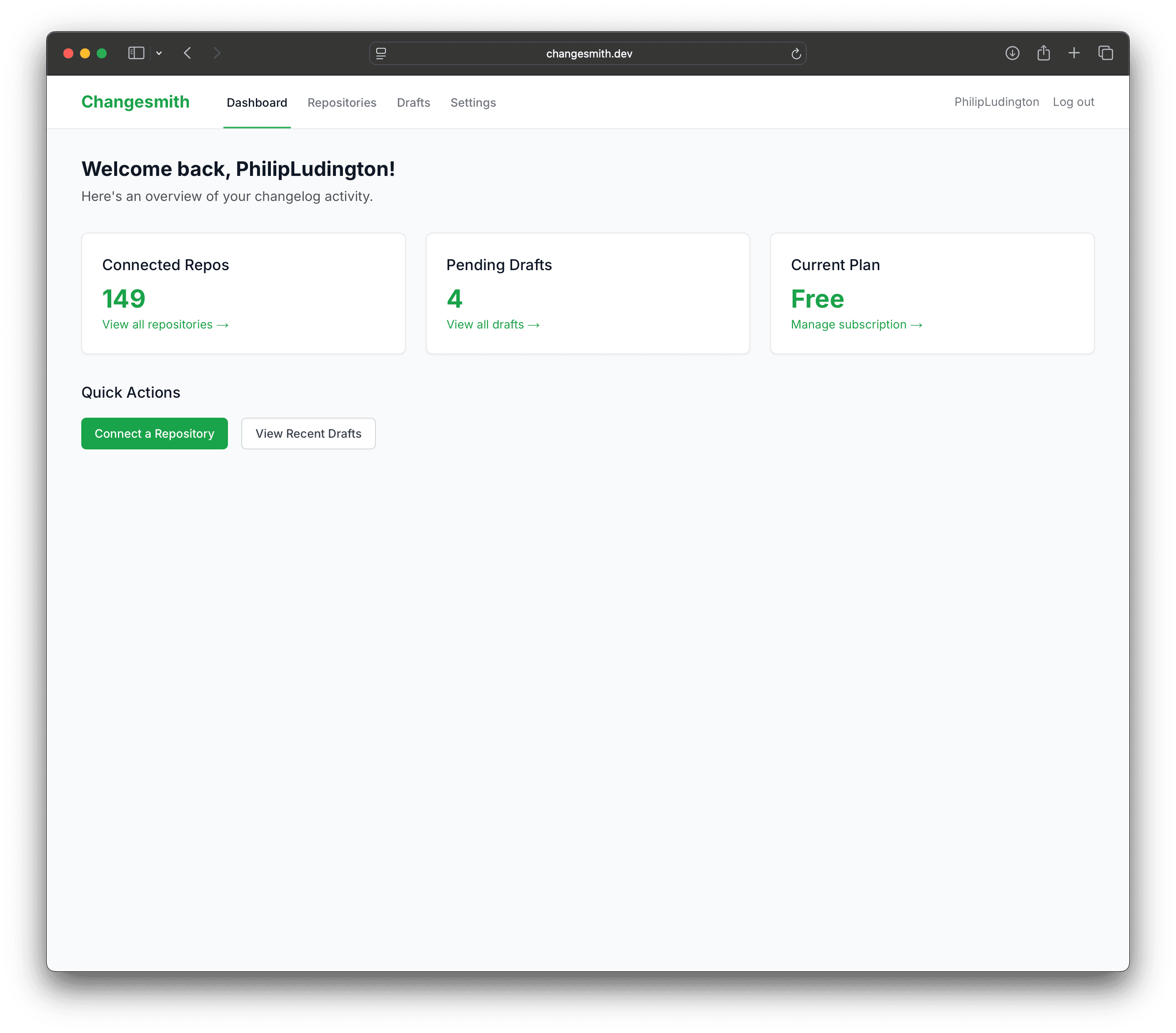
Edit changelogs with a markdown editor and live preview, then publish to GitHub
We never store your source code
Your data is never used to train AI
Revoke access anytime from GitHub
Why teams choose Changesmith
Everything you need to ship great release notes
AI-Powered Generation
Changesmith analyzes your commits, PRs, and issues to understand the context and generate meaningful descriptions.
GitHub Integration
Automatically triggered on new tags and releases. Publish directly to GitHub Releases with one click.
Style Matching
Analyzes your existing CHANGELOG.md to match your preferred tone, format, and structure.
Rich Editor
Review and edit changelogs with a side-by-side markdown editor and live preview before publishing.
CLI Support
Generate changelogs locally with the CLI. Perfect for CI/CD pipelines or offline development.
Email Notifications
Get notified when changelogs are ready for review or published to GitHub.
How it works
Three simple steps to better changelogs
Connect Your Repo
Install the GitHub App on your repository with one click.
Create a Release
Tag a new version or trigger generation manually from the dashboard.
Review & Publish
Edit the AI-generated changelog and publish to GitHub Releases.
Simple, transparent pricing
Start free, upgrade when you need more
Free
For individuals and small projects
- Unlimited repositories
- 3 changelog generations/month
- AI-powered changelog generation
- Markdown editor
- GitHub release publishing
Pro
For professional developers
- Unlimited repositories
- Unlimited changelog generations
- Everything in Free
- CLI tool included
- Priority support
Business
For organizations
- Unlimited repositories
- Unlimited generations
- Everything in Pro
- CLI tool included
- API access
- Dedicated support
Frequently asked questions
Everything you need to know about Changesmith
How does Changesmith generate changelogs?
Changesmith analyzes your git commits, pull requests, and issues using AI to understand the changes in your release. It then generates human-readable release notes that highlight what matters most to your users.
Do I need to use prefixes like feat: or fix: in my commits?
No, prefixes are completely optional. Changesmith uses AI to understand the intent of your commits regardless of format. Write "Add dark mode" or "feat: add dark mode" — both work great. Prefixes can help with categorization, but they're not required.
Can I customize the changelog style?
Yes! Changesmith analyzes your existing CHANGELOG.md to match your preferred style. You can also edit the generated changelogs before publishing to GitHub.
What GitHub permissions does Changesmith need?
Changesmith requires read access to your repository contents, commits, and pull requests, plus write access to create releases. We never modify your source code.
Can I use Changesmith with private repositories?
Yes, Changesmith works with both public and private repositories. Your code remains secure and we only read the metadata needed to generate changelogs.
Is there a CLI for local development?
Yes! The Changesmith CLI lets you generate changelogs locally without connecting to GitHub. Perfect for testing before release or for projects not hosted on GitHub.
Who is behind Changesmith?
Changesmith is a solo project built by Philip Ludington, an indie game developer behind Mr. Phil Games. It started as a tool to solve the tedious task of writing release notes and grew into a product that helps other developers ship better changelogs. You can follow along on Twitter @MrPhilGames.
Ready to ship better release notes?
Start generating AI-powered changelogs today. No credit card required.
Get Started for Free